Switching CRM
Why teams switch to Ordo
Teams switch to Ordo when their CRM is too much work or too little help: reps stop updating it, managers build reports by hand, and the AI costs extra. Ordo is simple enough for every rep to use every day, gives managers dashboards for the weekly meeting, and brings your data in with an import you can undo.
Updated 3 November 2026
Why teams switch
From a spreadsheet, or from a CRM that grew too big, the reasons are usually the same five.
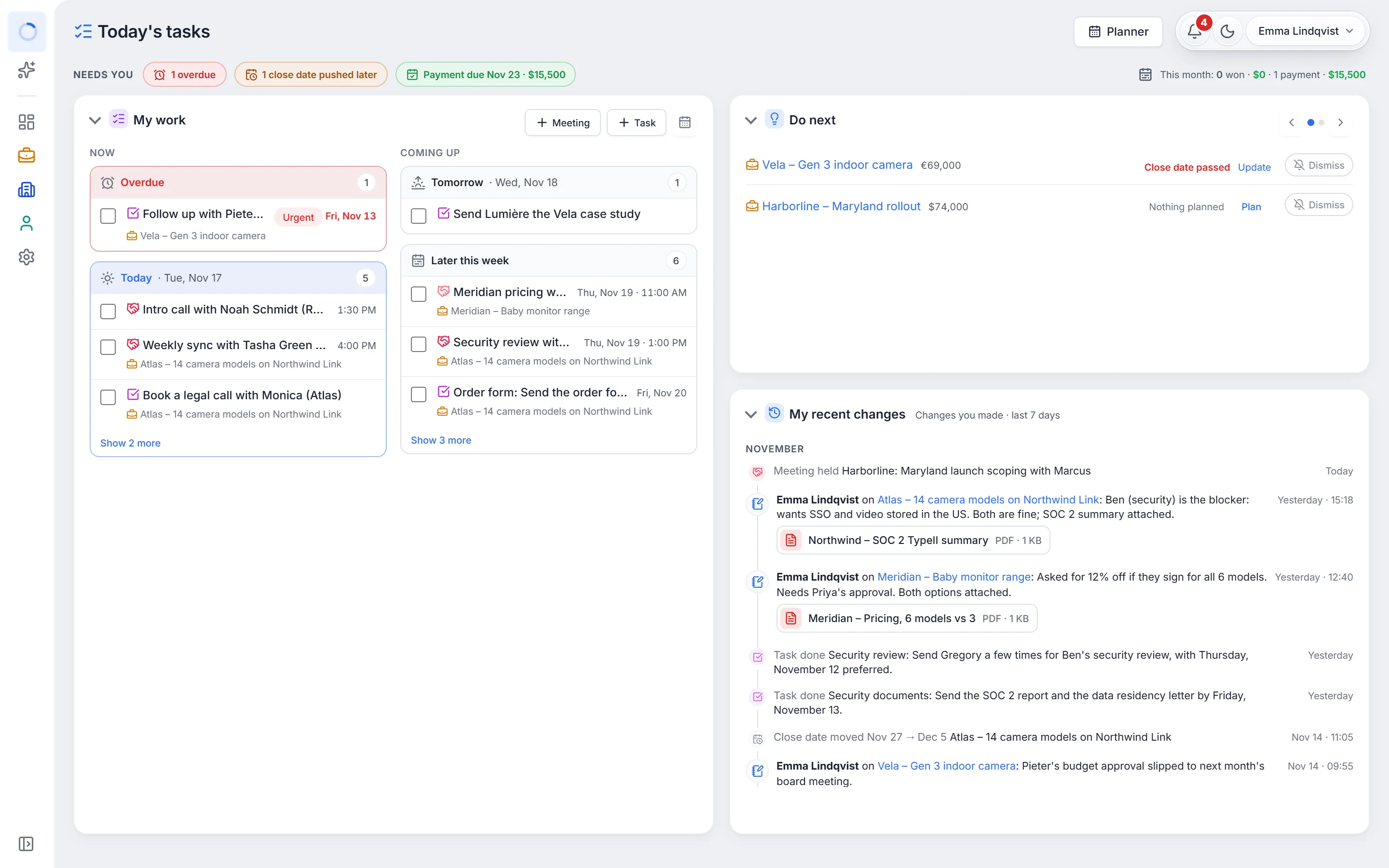
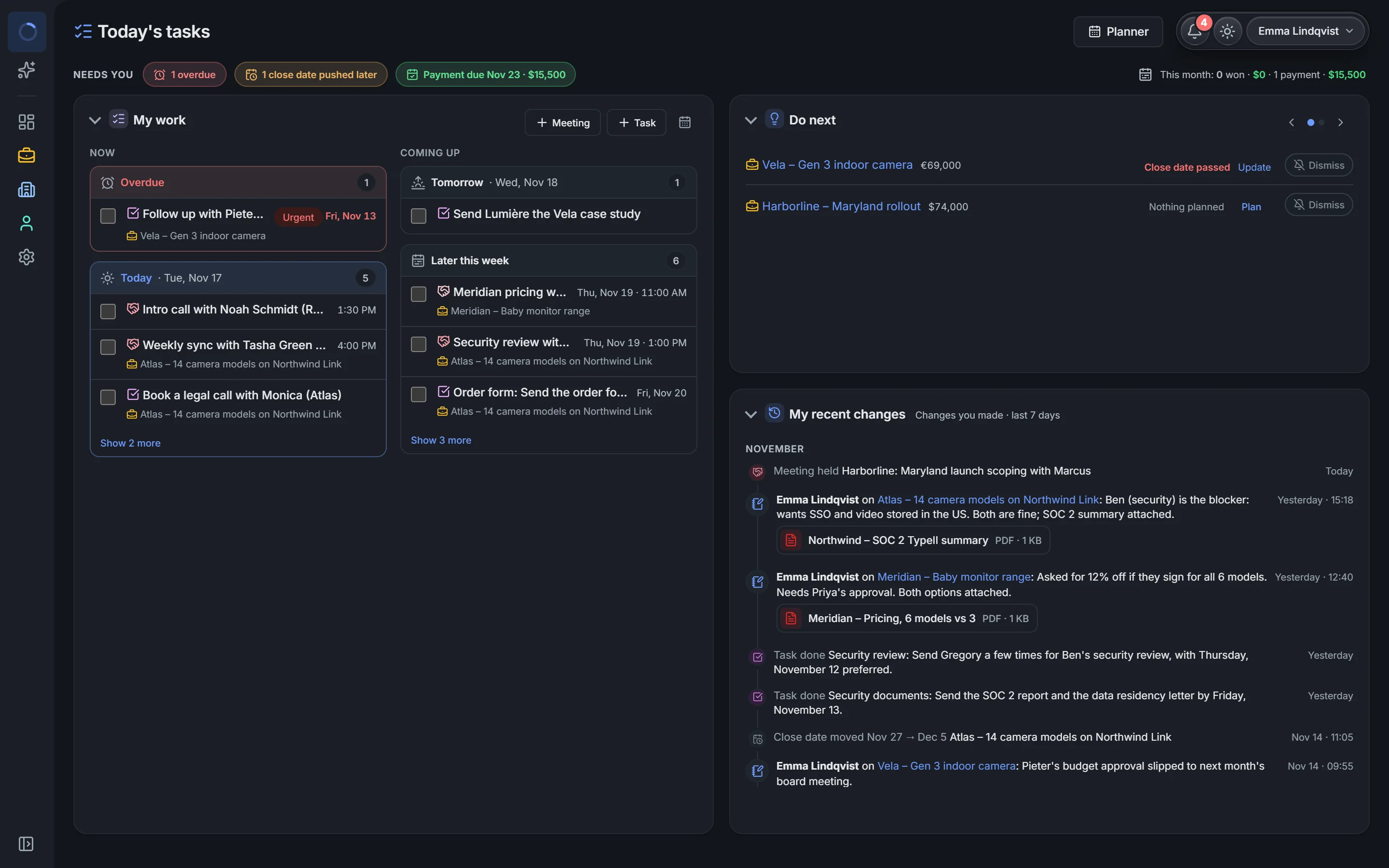
- Reps use it: Today's tasks shows each rep what to do now, and every value changes right where it is
- Less typing: emails and meetings log themselves, and the AI writes up calls from their transcript
- Ready for the sales meeting: dashboards with won against target, the pipeline and every rep
- One clear price: $12 a user a month, or $29 for Cloud + AI, with no setup fees
- Your data stays yours: download everything at any time, or run Ordo on your own server
How to move, in five steps
Most teams move in an afternoon. Nothing is saved until you have seen what will happen.
- Export your companies, people and deals from your old CRM or spreadsheet as CSV or Excel files
- Drop them into Ordo: it matches each column to a field, and Match with AI helps with other names and other languages
- Check what Ordo will do, then import
- If something is wrong, Undo takes the whole import back
- Invite your team: each person connects Google or Microsoft for their email and calendar
What comes with you
Companies, people and deals, with their stages, amounts, owners, notes and dates. Ordo links each person to their company and each deal to both, so the history is in one place from the first day. Emails are logged from the day each rep connects their mailbox.
FAQ
Questions, answered.
How long does it take to switch to Ordo?
Most teams import their data and start the same afternoon. Ordo shows what the import will do before it saves anything, and the team can start on Today's tasks as soon as it's in.
Can we switch from a spreadsheet?
Yes. Drop your Excel or CSV file into Ordo. It matches the columns to fields, even with other names or in another language, and turns the rows into companies, people and deals.
What if the import goes wrong?
Click Undo. It takes the whole import back, and you can try again with the columns matched differently.
Can we try Ordo before we move?
Yes. Look around the sample workspace with no sign-up, or start the 14-day free trial with your whole team and the AI on. No card.
Try it with your team. Free for 14 days.
Your own workspace in a minute, with every feature and the AI on, and no card needed.