AI call notes
AI call notes for sales teams
Paste your call notes or a transcript, and Ordo's AI writes up the call: a summary on the deal, what the customer needs, the next steps as tasks, and a follow-up email. Every price, date and promise it hears is flagged for you to check, and nothing is saved until you tick it.
Updated 2 November 2026
How it works
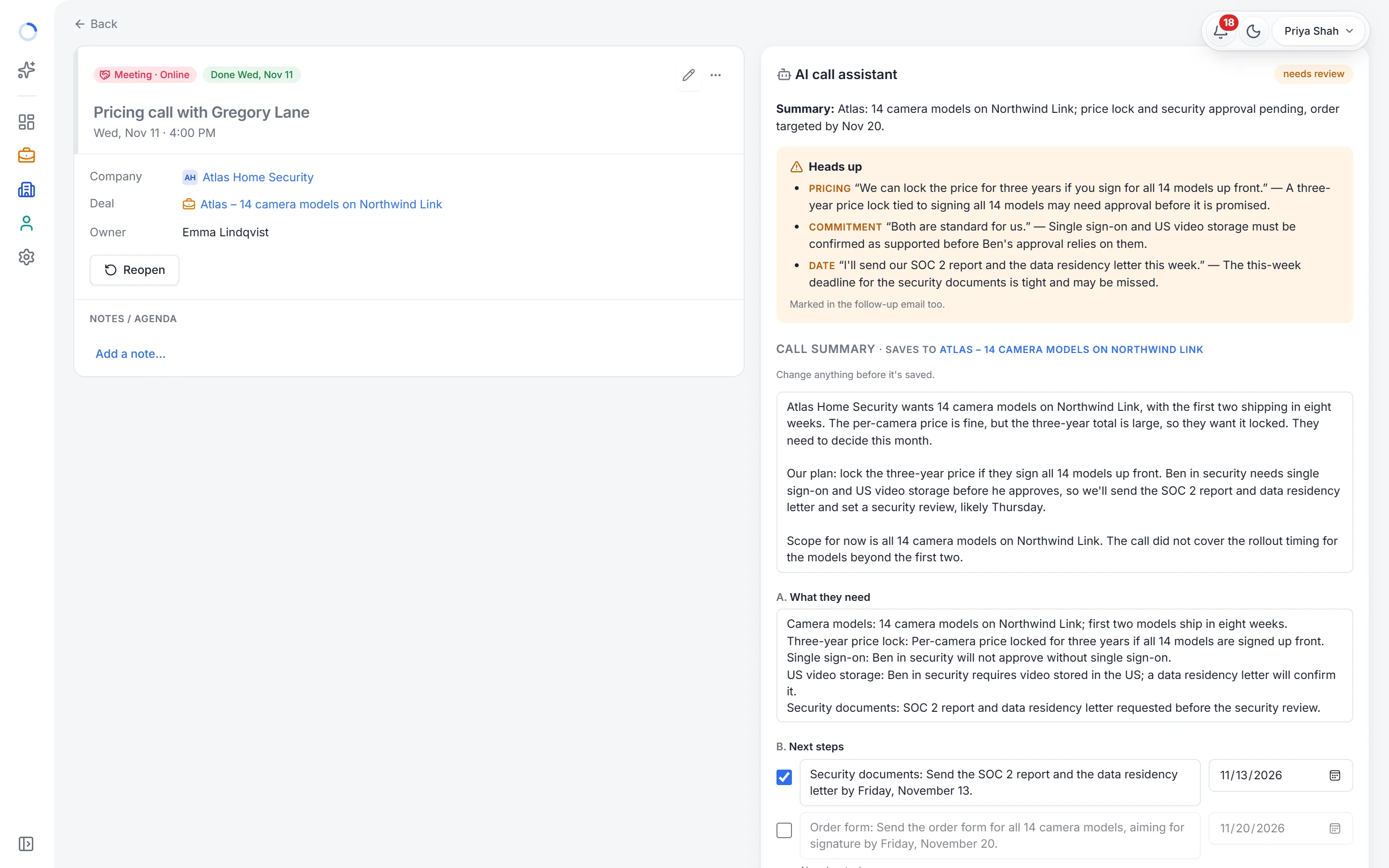
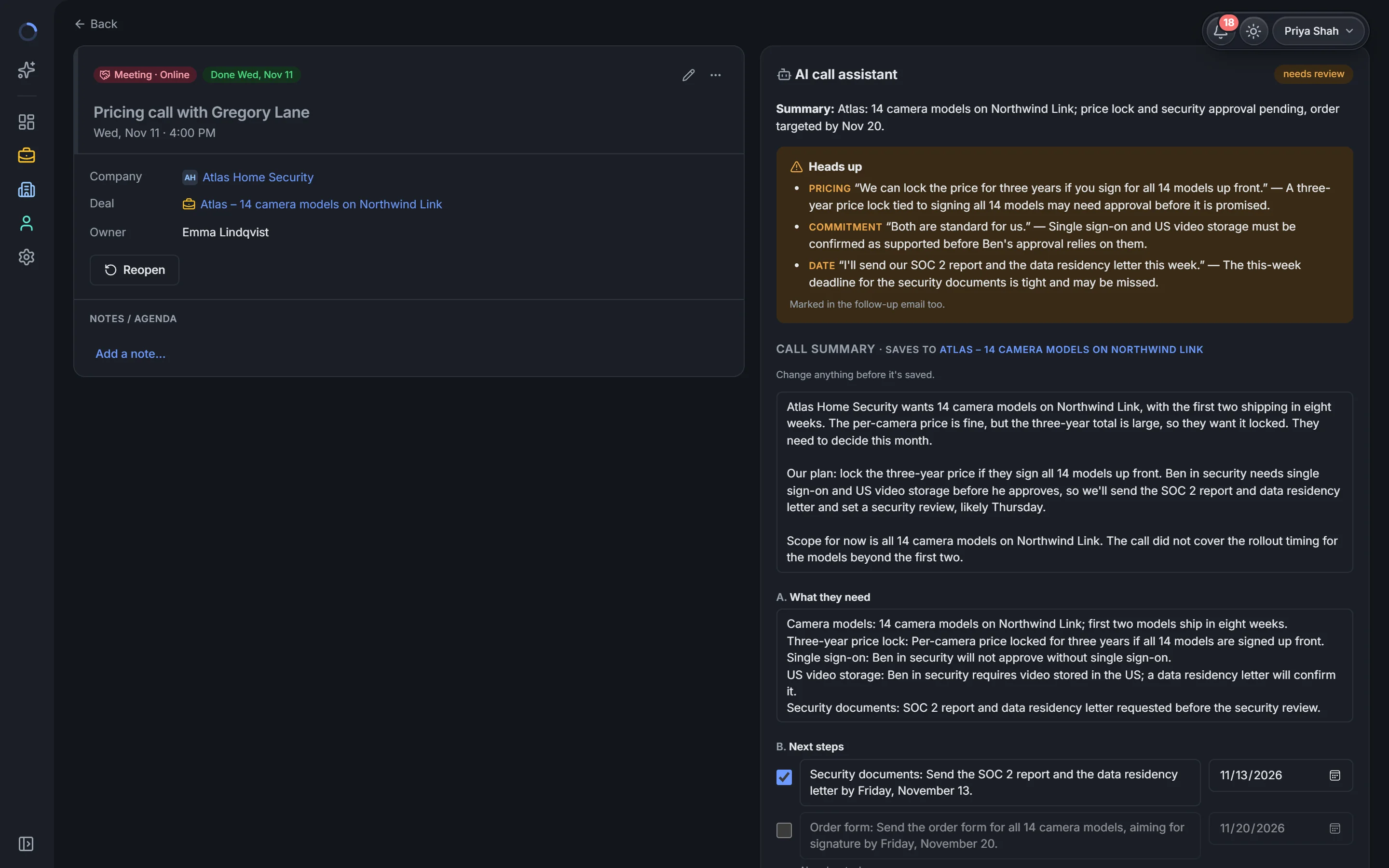
After the call, open the meeting in Ordo and paste the transcript from Zoom, Teams or Google Meet, or your own notes. Click Analyze.
- A short summary of the call, saved to the deal
- What the customer needs, their pain points and objections
- Next steps, each with a date if the customer gave one, ready to add as tasks
- A follow-up email in your name, to copy into Gmail or Outlook
- Heads up: every price, date and promise, quoted from the call, to check before saving
You stay in charge
The AI only suggests. You can change any word, untick any task, and nothing reaches the deal until you save. If the AI heard a discount or a delivery date, it shows you the exact words, so a wrong promise never goes out in an email.
No recording, no bot in the call
Ordo doesn't record or join your calls. You use the transcript your meeting tool already makes, or your own notes, so there's nothing new to install and nobody is surprised by a bot.
FAQ
Questions, answered.
Does Ordo record my calls?
No. Ordo doesn't record or join calls. Paste the transcript your meeting tool makes, or your own notes.
What does the AI fill in?
A summary of the call, what the customer needs, next steps with dates, pain points and objections, the deal's details it heard, and a follow-up email. You tick what to save.
Can the AI make a mistake?
Yes, so it never saves on its own. It flags every price, date and promise with the exact words from the call, and you check them before anything is saved.
How much does it cost?
AI call notes are part of Ordo Cloud with AI, at $20 a user a month, with Ask Ordo AI and company research. On-site can use your own AI.
Which languages does it work in?
The AI writes in the language you use Ordo in: English, Traditional Chinese or Simplified Chinese.
Try it with your team. Free for 14 days.
Your own workspace in a minute, with every feature and AI on. No card.